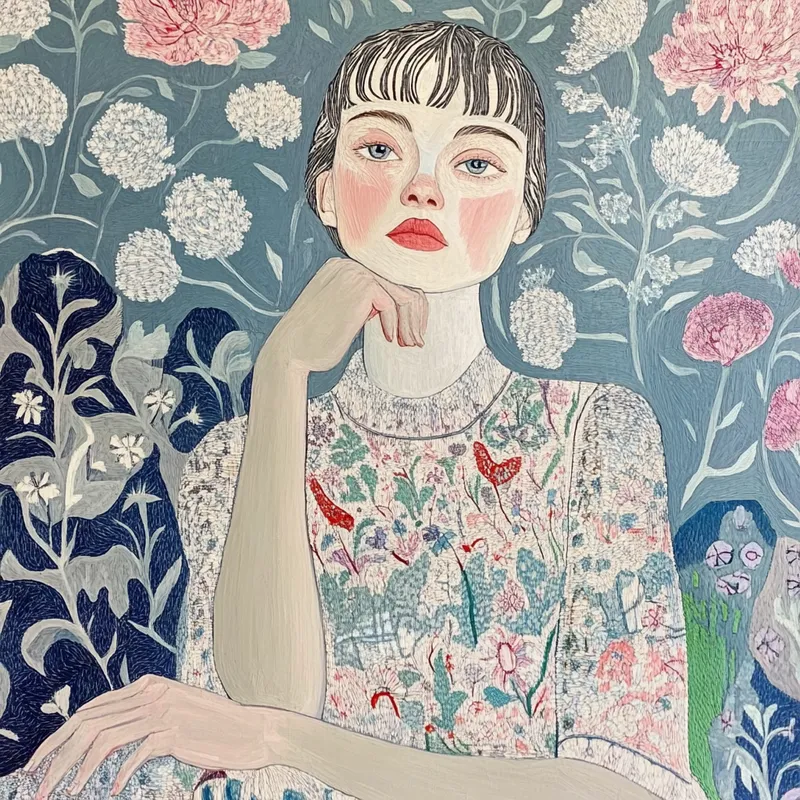
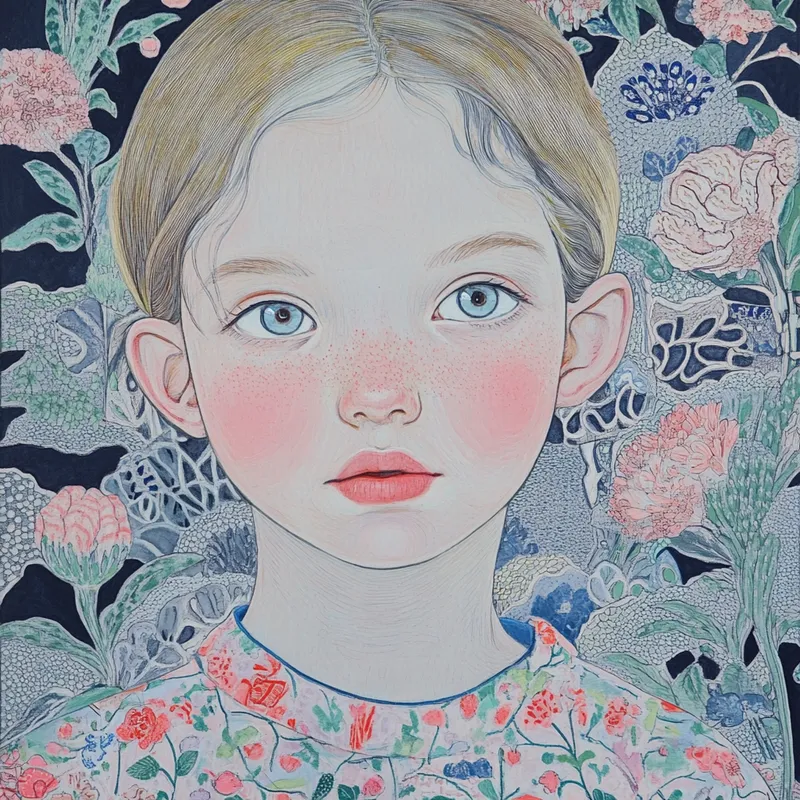
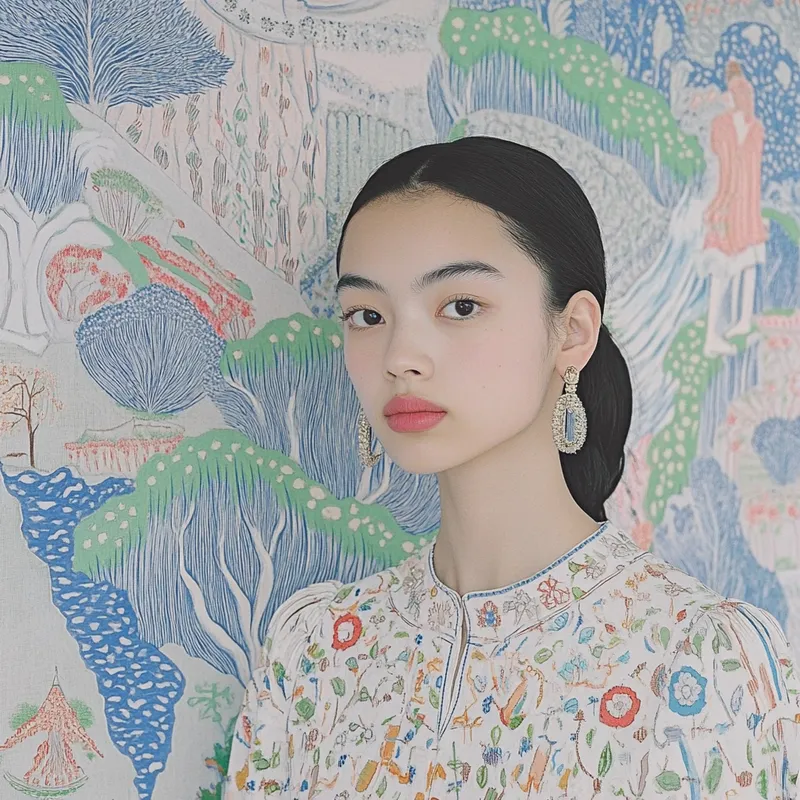
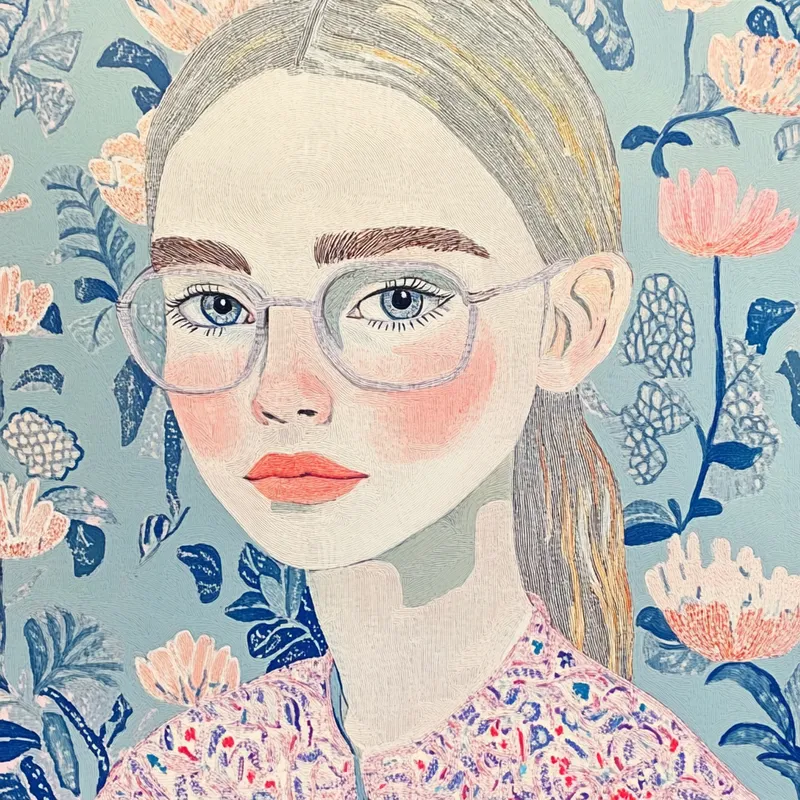
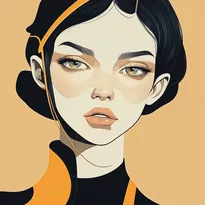
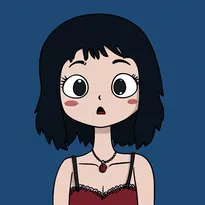
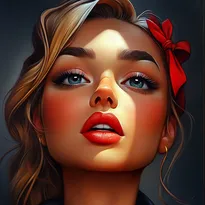
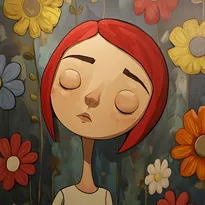
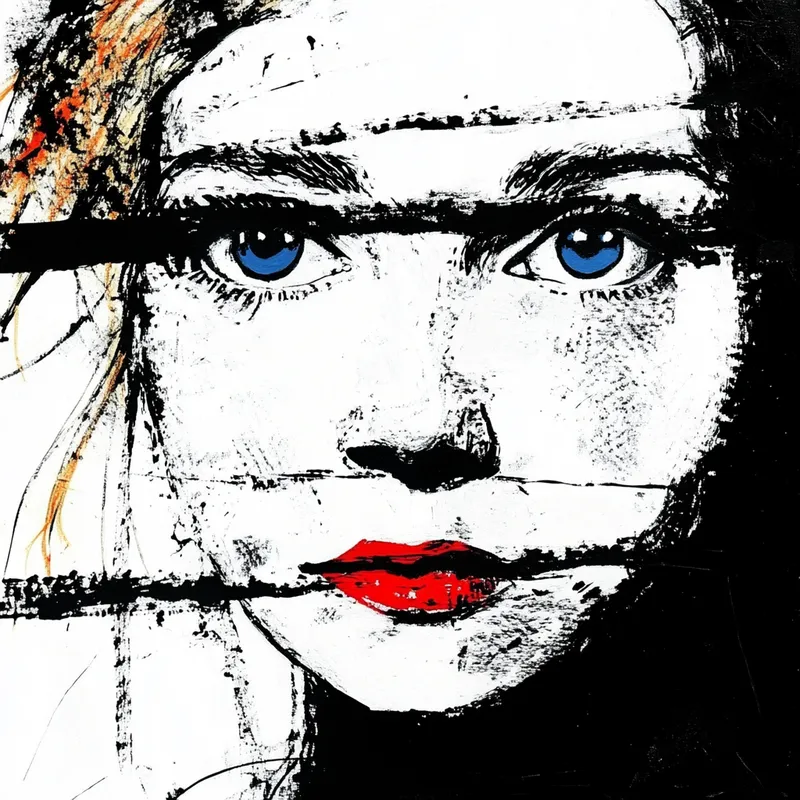
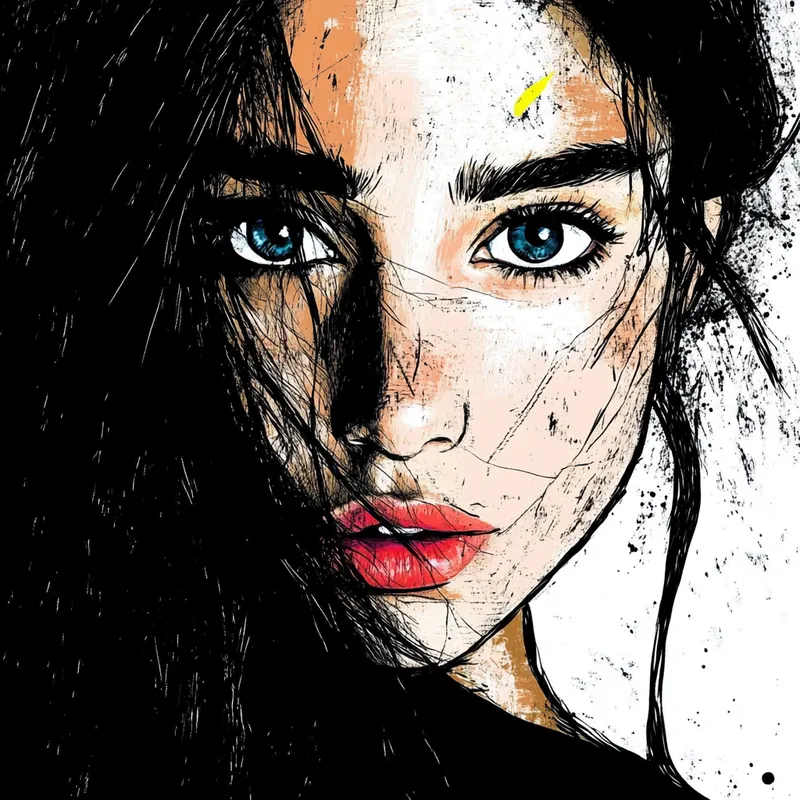
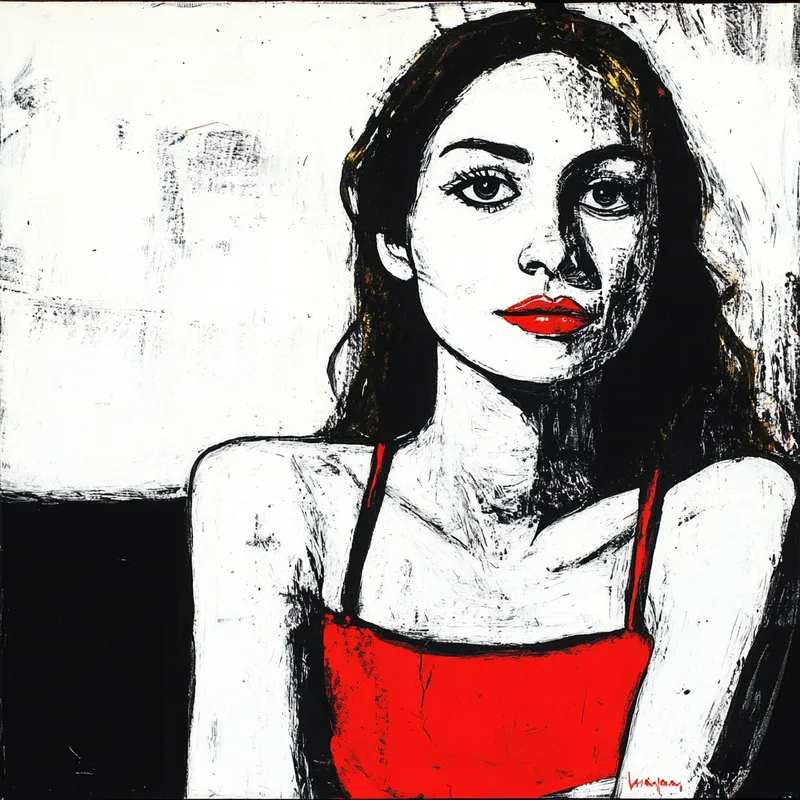
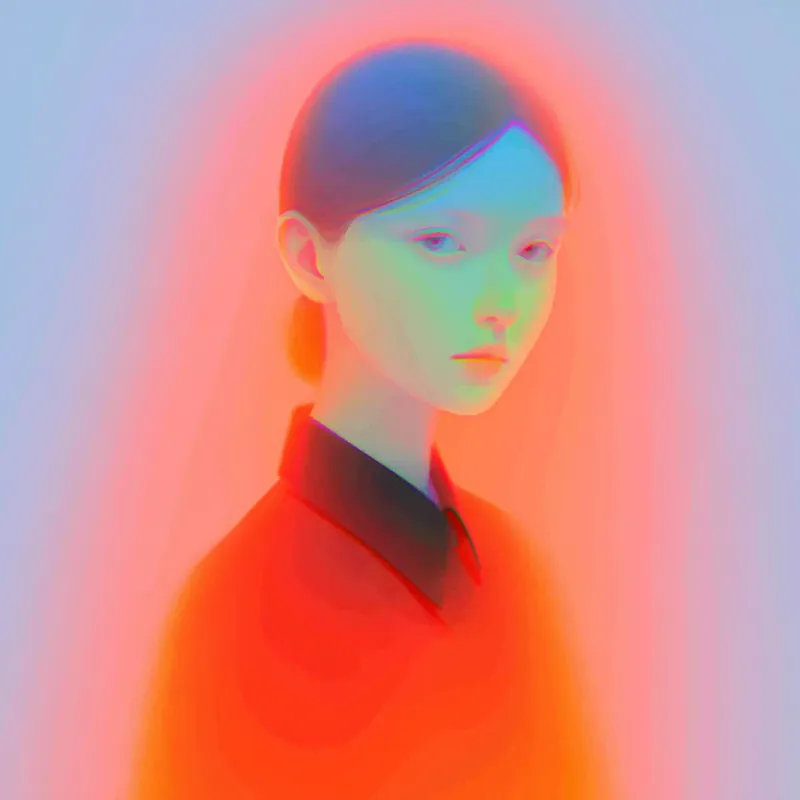
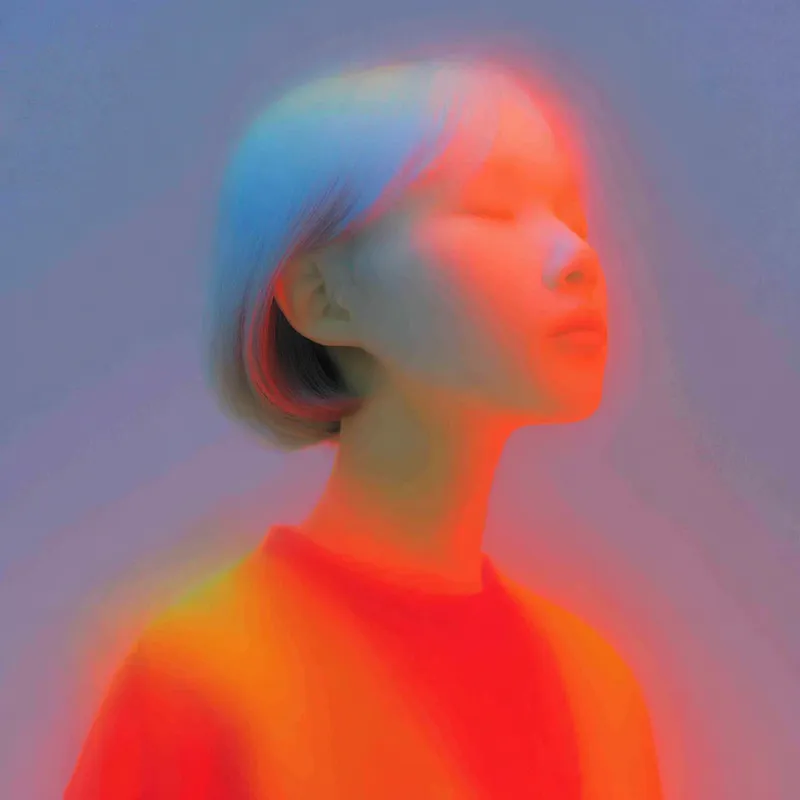
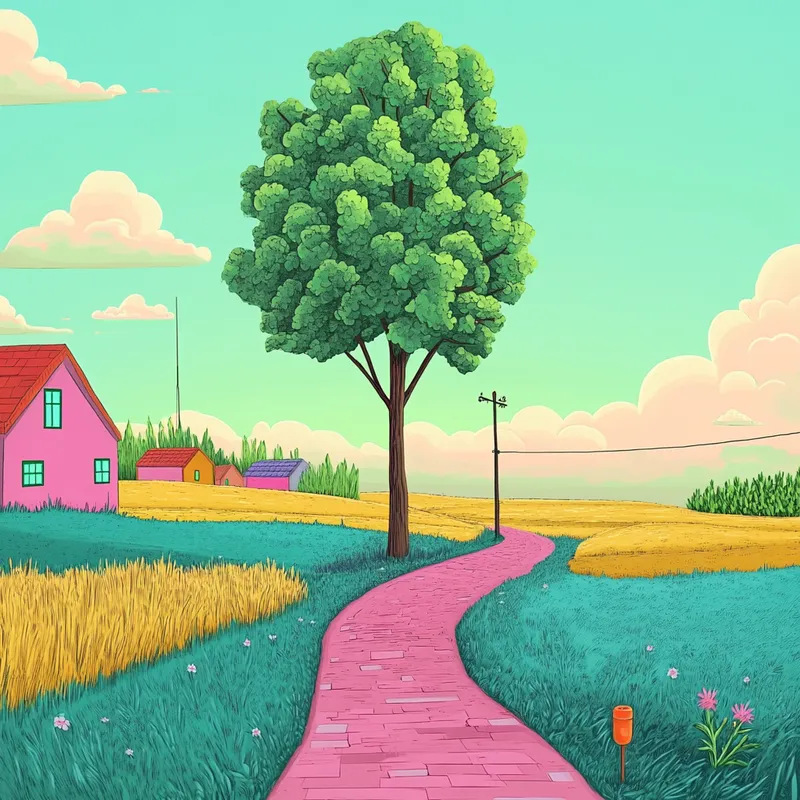
--sref
18
复制 sref 代码

--sv 4
复制
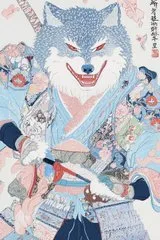
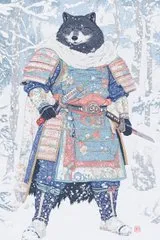
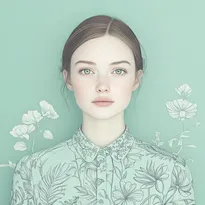
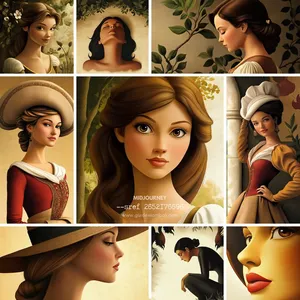
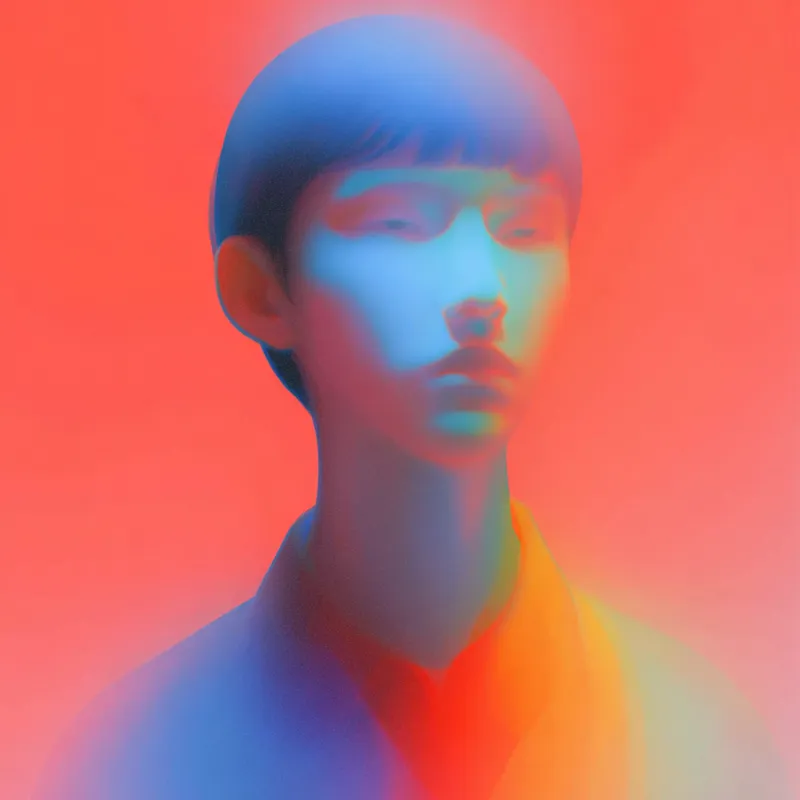
portrait --sref 18
by
roms5189
portrait  --sref 18
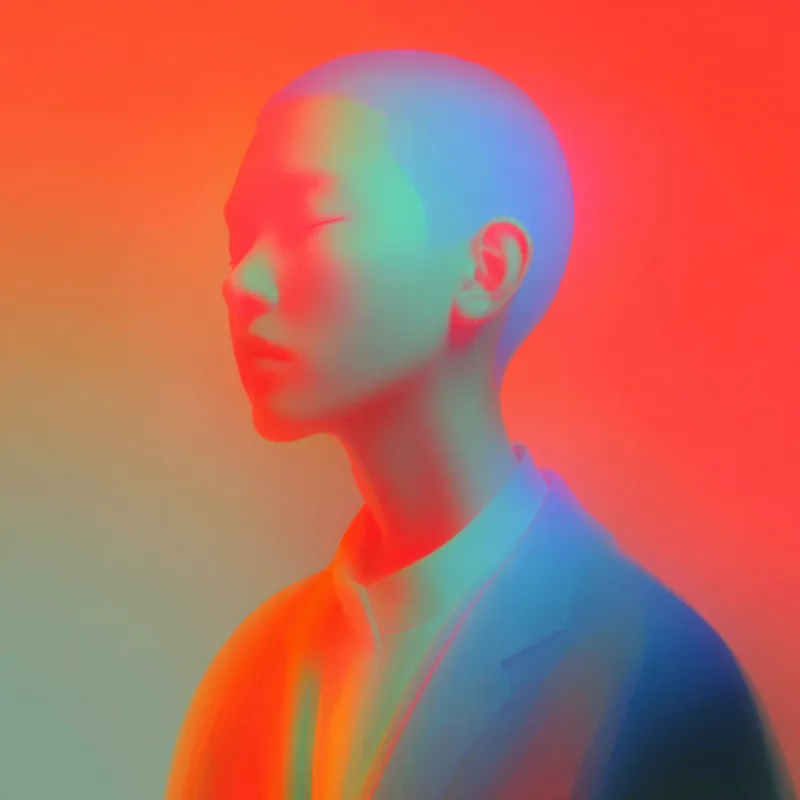
portrait  --sref 18
portrait  --sref 18
portrait  --sref 18
--sv 4
复制
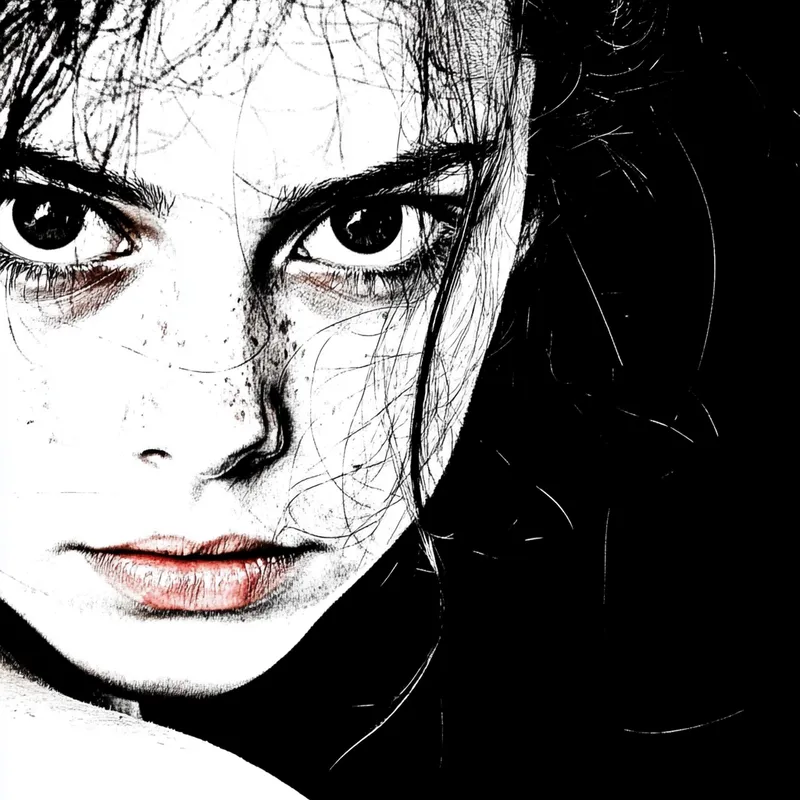
--q 2 the new Midjourney mode that (sometimes) adds more texture (at the cost of reduced images coherence) in my testing works well with images that already (before using --q 2) look "texturey" (haha, not a word) Like here: --sref 18 Left: without --q 2 Right: with --q 2
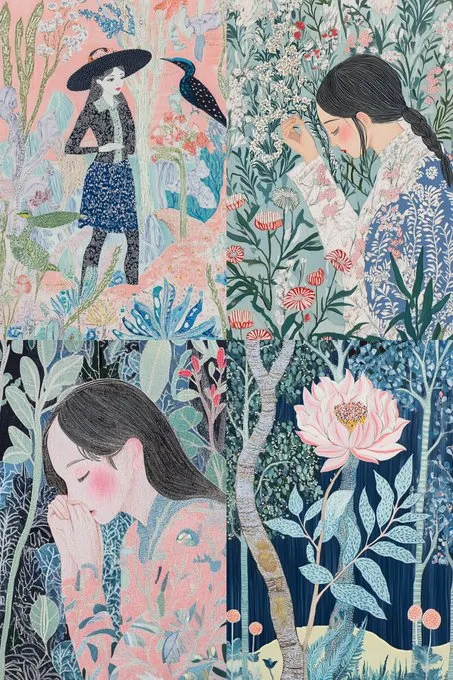
--q 2

the new Midjourney mode that (sometimes) adds more texture (at the cost of reduced images coherence)

in my testing works well with images that already (before using --q 2) look "texturey" (haha, not a word)

Like here:

--sref 18

Left: without --q 2
Right: with --q 2
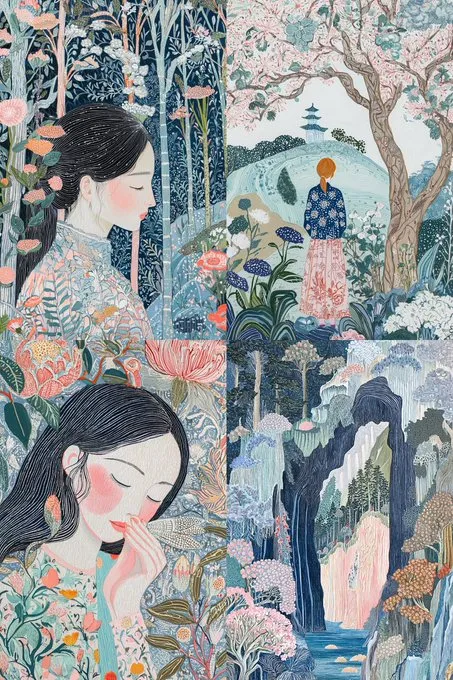
--q 2

the new Midjourney mode that (sometimes) adds more texture (at the cost of reduced images coherence)

in my testing works well with images that already (before using --q 2) look "texturey" (haha, not a word)

Like here:

--sref 18

Left: without --q 2
Right: with --q 2
--sv 4
复制
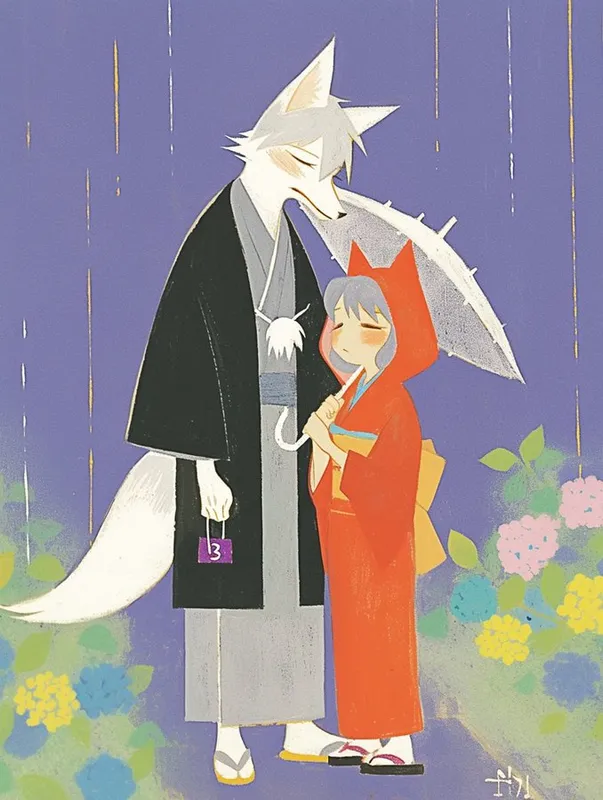
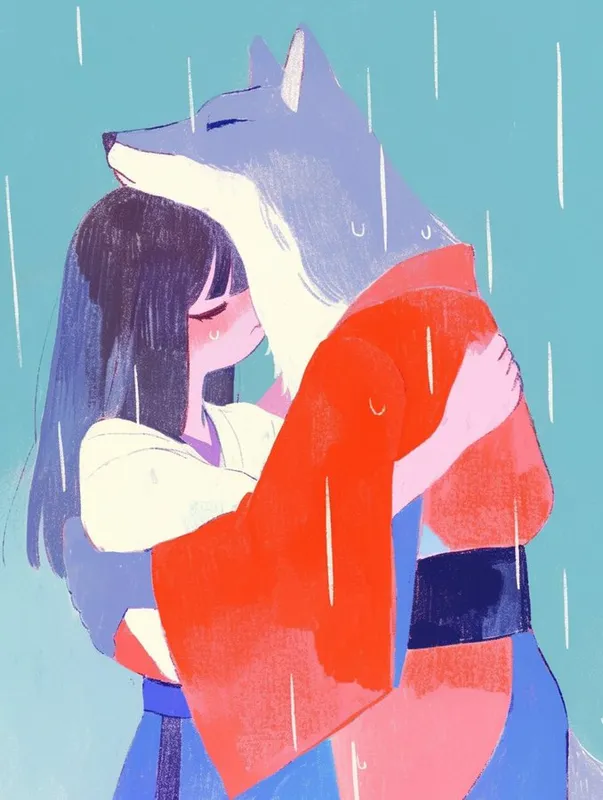
--sref 18 4161087456 20240830
--sv 4
复制
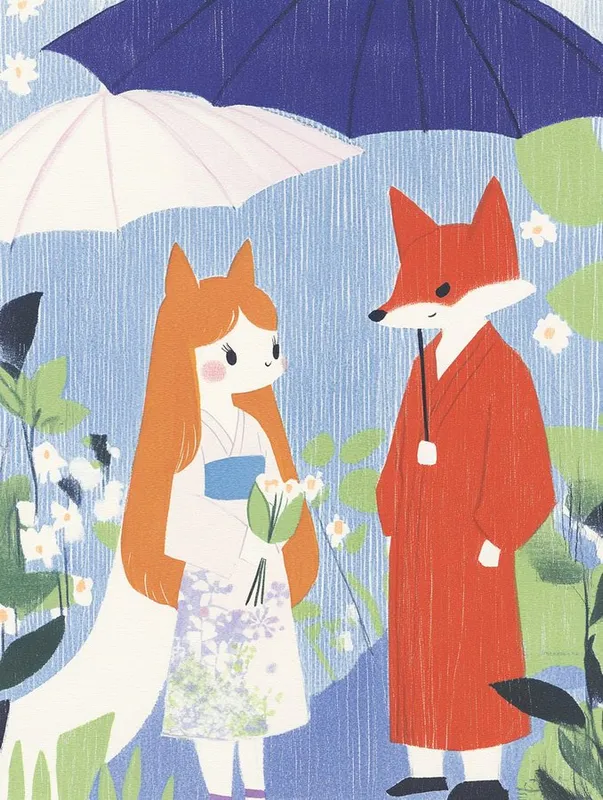
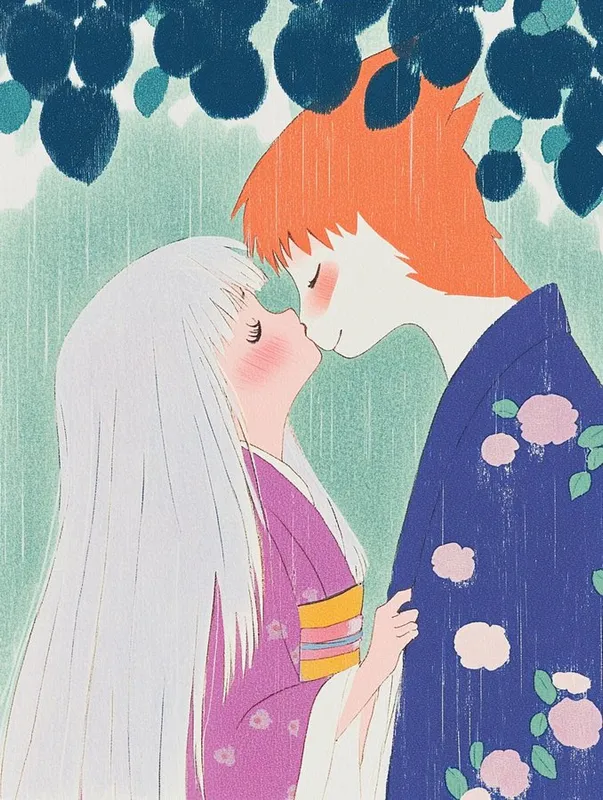
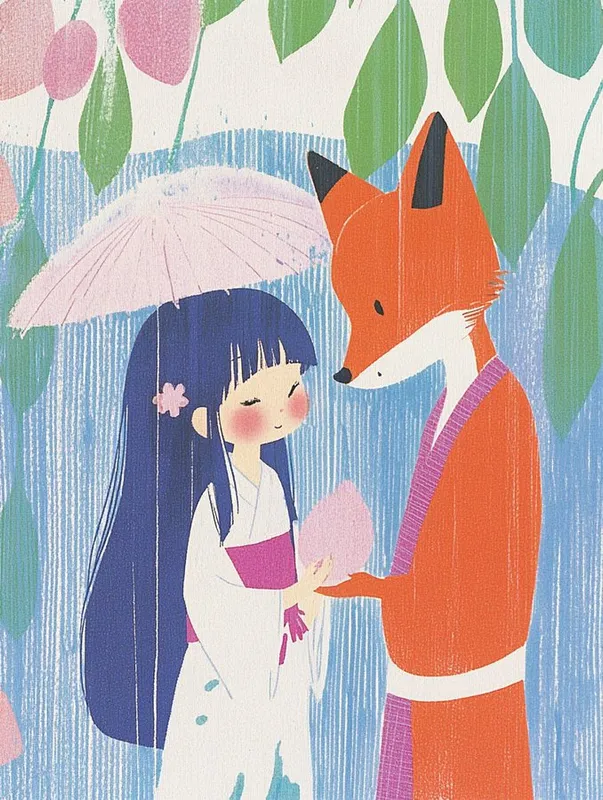
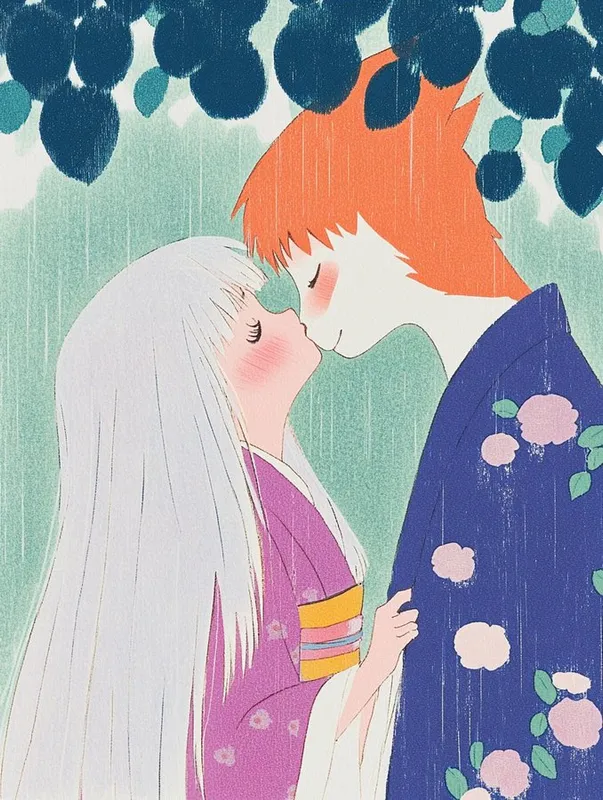
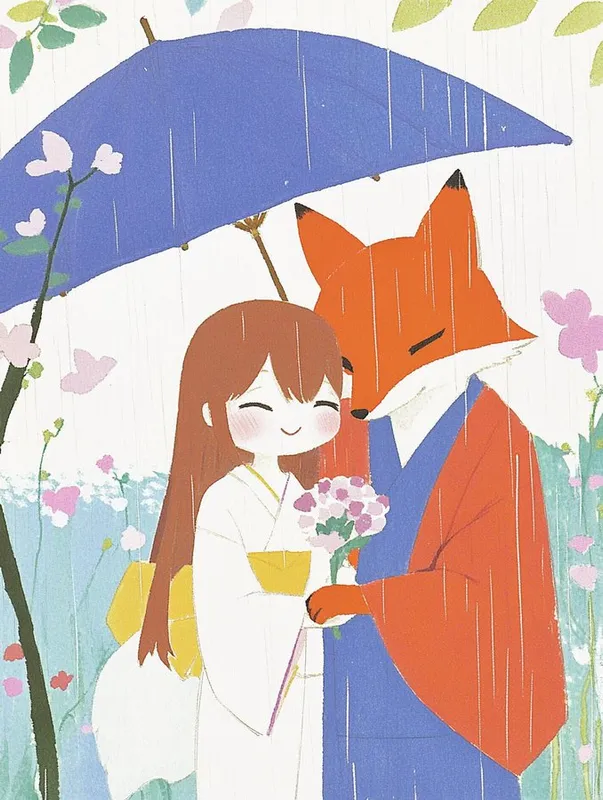
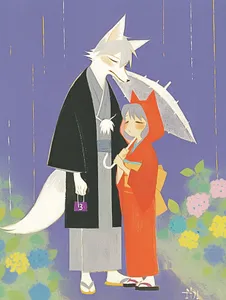
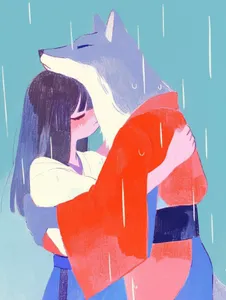
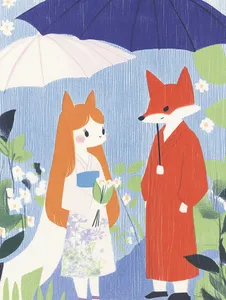
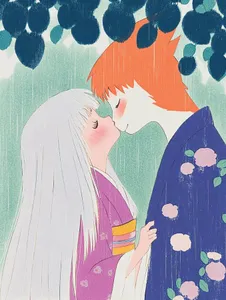
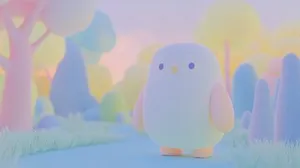
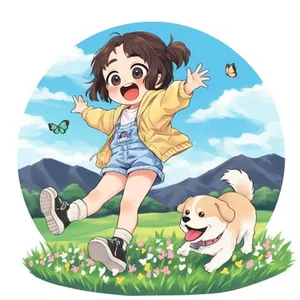
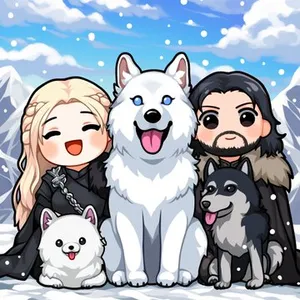
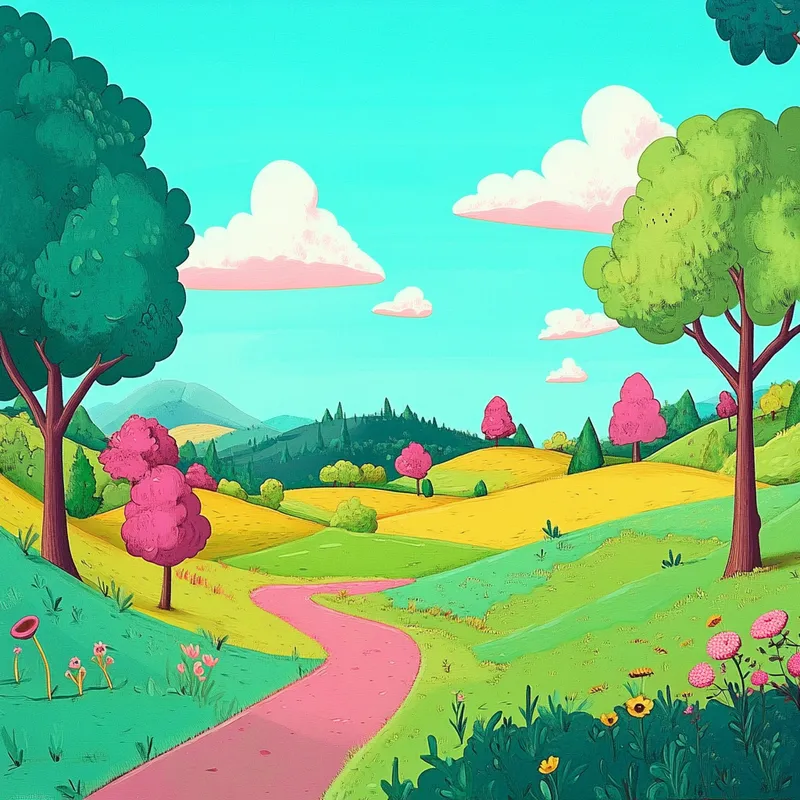
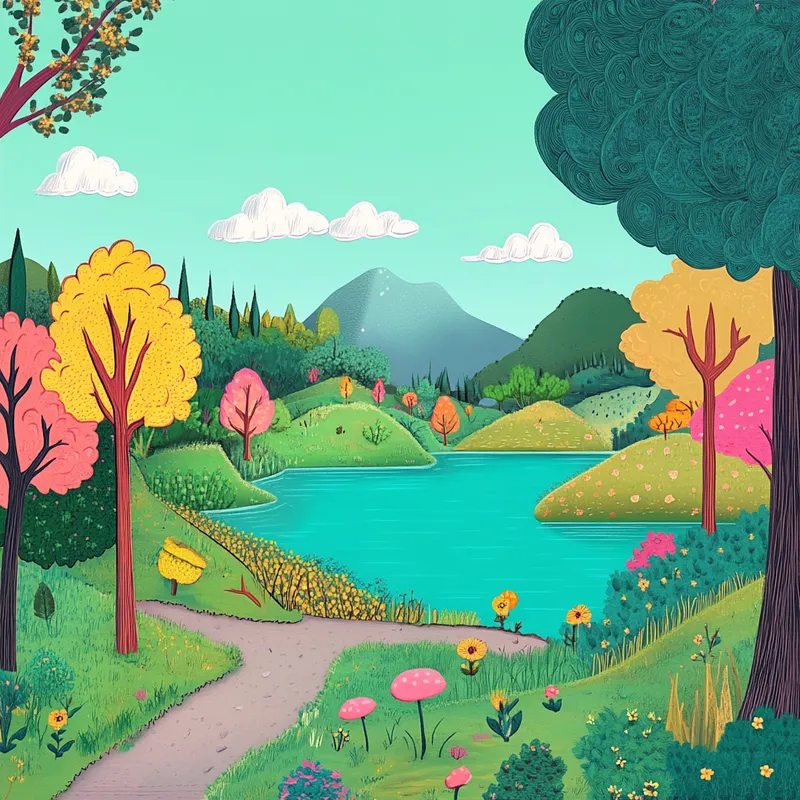
把昨天的太阳雨主题,加上浮士绘风格 --sref 18 ,加一个卡通化风格 --sref 4161087456 ,再加上今天日期对应的数字刚好是块面化风格 --sref 20240830 ,这一套插画就有点意思了。 #sref --sref 18 --sref 4161087456 --sref 20240830
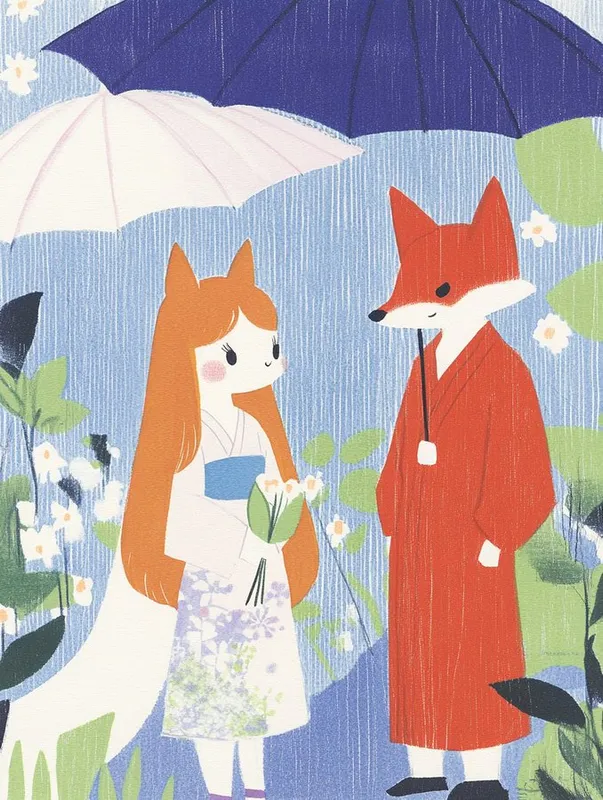
把昨天的太阳雨主题,加上浮士绘风格 --sref 18,加一个卡通化风格 --sref 4161087456,再加上今天日期对应的数字刚好是块面化风格 --sref 20240830,这一套插画就有点意思了。
#sref --sref 18 4161087456 20240830
把昨天的太阳雨主题,加上浮士绘风格 --sref 18,加一个卡通化风格 --sref 4161087456,再加上今天日期对应的数字刚好是块面化风格 --sref 20240830,这一套插画就有点意思了。
#sref --sref 18 4161087456 20240830
把昨天的太阳雨主题,加上浮士绘风格 --sref 18,加一个卡通化风格 --sref 4161087456,再加上今天日期对应的数字刚好是块面化风格 --sref 20240830,这一套插画就有点意思了。
#sref --sref 18 4161087456 20240830
把昨天的太阳雨主题,加上浮士绘风格 --sref 18,加一个卡通化风格 --sref 4161087456,再加上今天日期对应的数字刚好是块面化风格 --sref 20240830,这一套插画就有点意思了。
#sref --sref 18 4161087456 20240830
把昨天的太阳雨主题,加上浮士绘风格 --sref 18,加一个卡通化风格 --sref 4161087456,再加上今天日期对应的数字刚好是块面化风格 --sref 20240830,这一套插画就有点意思了。
#sref --sref 18 4161087456 20240830
把昨天的太阳雨主题,加上浮士绘风格 --sref 18,加一个卡通化风格 --sref 4161087456,再加上今天日期对应的数字刚好是块面化风格 --sref 20240830,这一套插画就有点意思了。
#sref --sref 18 4161087456 20240830
把昨天的太阳雨主题,加上浮士绘风格 --sref 18,加一个卡通化风格 --sref 4161087456,再加上今天日期对应的数字刚好是块面化风格 --sref 20240830,这一套插画就有点意思了。
#sref --sref 18 4161087456 20240830
把昨天的太阳雨主题,加上浮士绘风格 --sref 18,加一个卡通化风格 --sref 4161087456,再加上今天日期对应的数字刚好是块面化风格 --sref 20240830,这一套插画就有点意思了。
#sref --sref 18 4161087456 20240830
--sv 4
复制
--q 2 the new Midjourney mode that (sometimes) adds more texture (at the cost of reduced images coherence) in my testing works well with images that already (before using --q 2) look "texturey" (haha, not a word) Like here: --sref 18 Left: without --q 2 Right: with --q 2
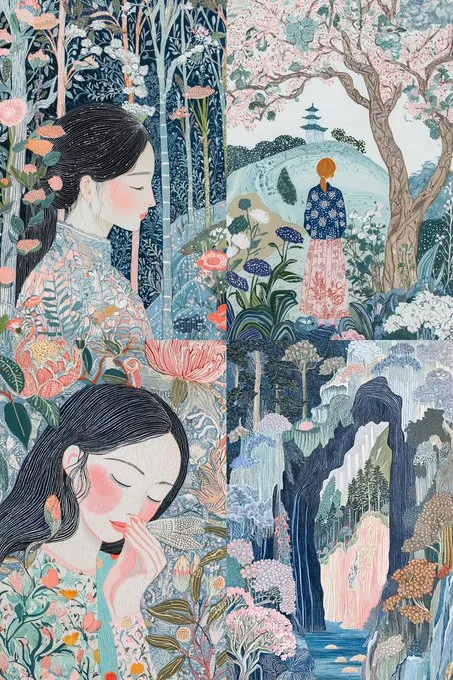
--q 2

the new Midjourney mode that (sometimes) adds more texture (at the cost of reduced images coherence)

in my testing works well with images that already (before using --q 2) look "texturey" (haha, not a word)

Like here:

--sref 18

Left: without --q 2
Right: with --q 2
--q 2

the new Midjourney mode that (sometimes) adds more texture (at the cost of reduced images coherence)

in my testing works well with images that already (before using --q 2) look "texturey" (haha, not a word)

Like here:

--sref 18

Left: without --q 2
Right: with --q 2

你有更多例子要添加到这个 sref 吗?在这里添加它们!

登录
logo of midjourney sref codes library

解锁 1020 个高级 SREF 代码

显示此页面所有手工精选的独特参考样式 --sref 代码
Premium sref 1
Premium sref 2
Premium sref 3
Premium sref 4
Premium sref 5
Premium sref 6
Premium sref 7
Premium sref 8

相关 sref 代码
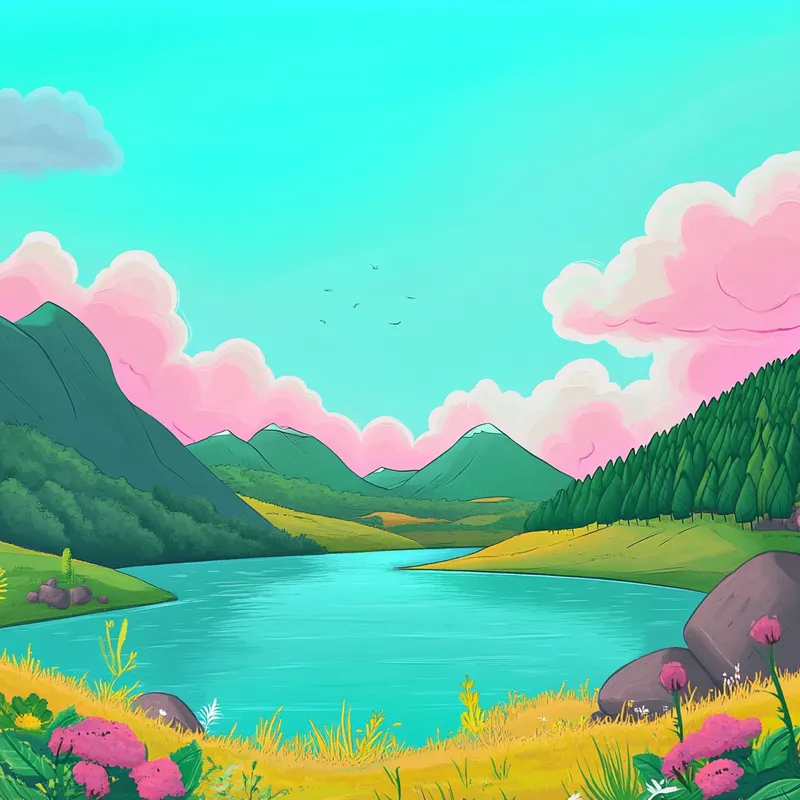
使用 --sref 20240830 by 老毒物 由 Midjourney 生成的图像 1
使用 --sref 20240830 by 老毒物 由 Midjourney 生成的图像 2
使用 --sref 20240830 by 老毒物 由 Midjourney 生成的图像 3
使用 --sref 20240830 by 老毒物 由 Midjourney 生成的图像 4

20240830
复制 sref 代码

使用 --sref 4161087456 by 老毒物 由 Midjourney 生成的图像 1
使用 --sref 4161087456 by 老毒物 由 Midjourney 生成的图像 2
使用 --sref 4161087456 by 老毒物 由 Midjourney 生成的图像 3
使用 --sref 4161087456 by 老毒物 由 Midjourney 生成的图像 4

4161087456
复制 sref 代码

使用 --sref 3115424032 by AZIZ | AI ART 由 Midjourney 生成的图像 1
使用 --sref 3115424032 by AZIZ | AI ART 由 Midjourney 生成的图像 2
使用 --sref 3115424032 by AZIZ | AI ART 由 Midjourney 生成的图像 3
使用 --sref 3115424032 by AZIZ | AI ART 由 Midjourney 生成的图像 4

3115424032
复制 sref 代码

使用 --sref 2221484907 by Michael Rabone 由 Midjourney 生成的图像 1
使用 --sref 2221484907 by Michael Rabone 由 Midjourney 生成的图像 2
使用 --sref 2221484907 by Michael Rabone 由 Midjourney 生成的图像 3
使用 --sref 2221484907 by Michael Rabone 由 Midjourney 生成的图像 4

2221484907
复制 sref 代码

使用 --sref 1403037133 by Woollyfern 由 Midjourney 生成的图像

1403037133
复制 sref 代码

使用 --sref 2092769307 by Sgt Sref 由 Midjourney 生成的图像 1
使用 --sref 2092769307 by Sgt Sref 由 Midjourney 生成的图像 2
使用 --sref 2092769307 by Sgt Sref 由 Midjourney 生成的图像 3
使用 --sref 2092769307 by Sgt Sref 由 Midjourney 生成的图像 4

2092769307
复制 sref 代码

使用 --sref 19860 by NeuroAutomata 由 Midjourney 生成的图像

19860
复制 sref 代码