--sv 4
コピー
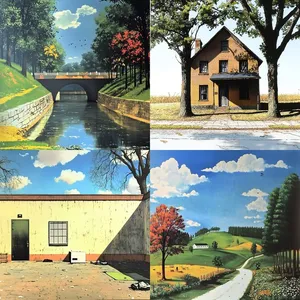
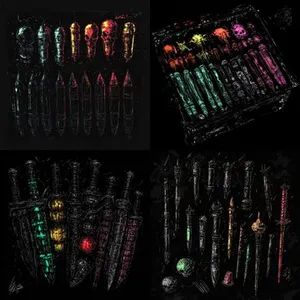
--q 2 the new Midjourney mode that (sometimes) adds more texture (at the cost of reduced images coherence) in my testing works well with images that already (before using --q 2) look "texturey" (haha, not a word) Like here: --sref 18 Left: without --q 2 Right: with --q 2
--q 2

the new Midjourney mode that (sometimes) adds more texture (at the cost of reduced images coherence)

in my testing works well with images that already (before using --q 2) look "texturey" (haha, not a word)

Like here:

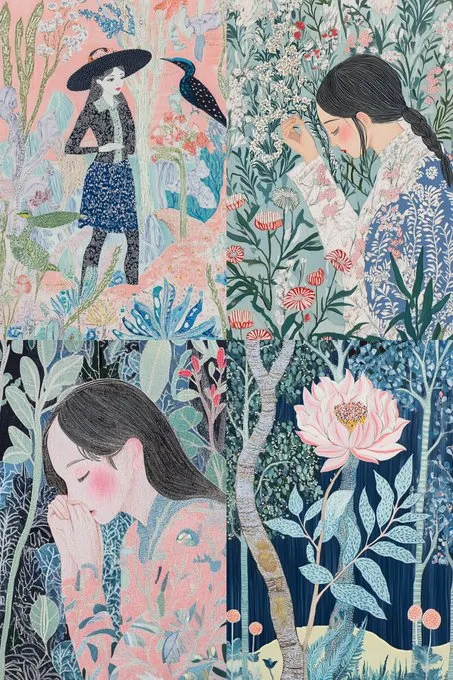
--sref 18

Left: without --q 2
Right: with --q 2
--q 2

the new Midjourney mode that (sometimes) adds more texture (at the cost of reduced images coherence)

in my testing works well with images that already (before using --q 2) look "texturey" (haha, not a word)

Like here:

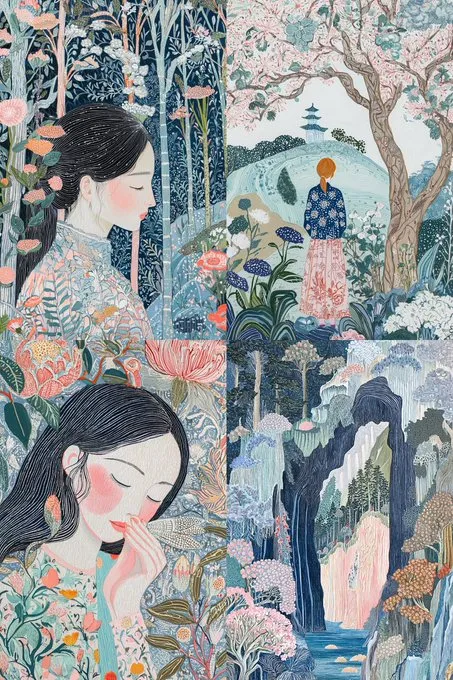
--sref 18

Left: without --q 2
Right: with --q 2
--sv 4
コピー
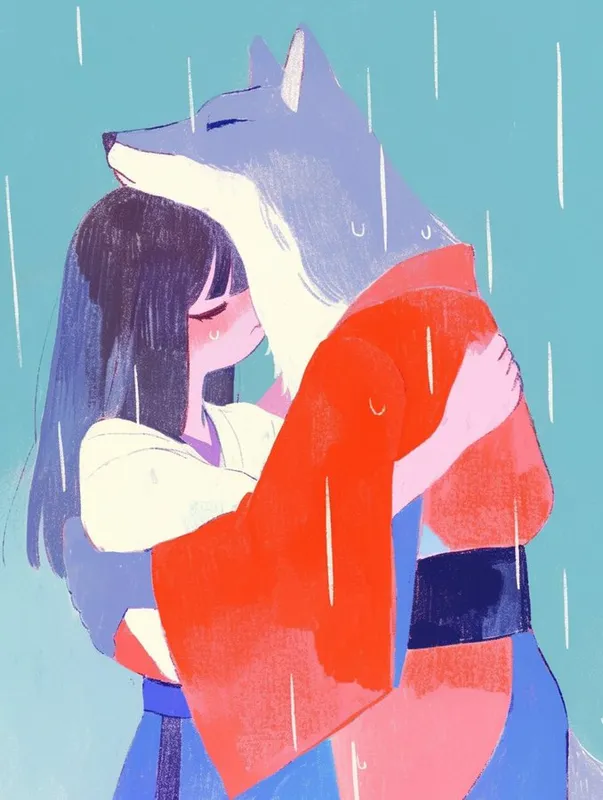
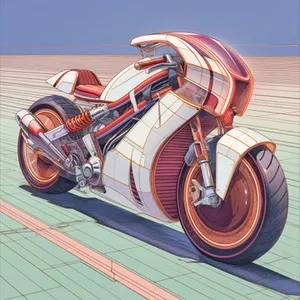
--sref 18 4161087456 20240830
--sv 4
コピー
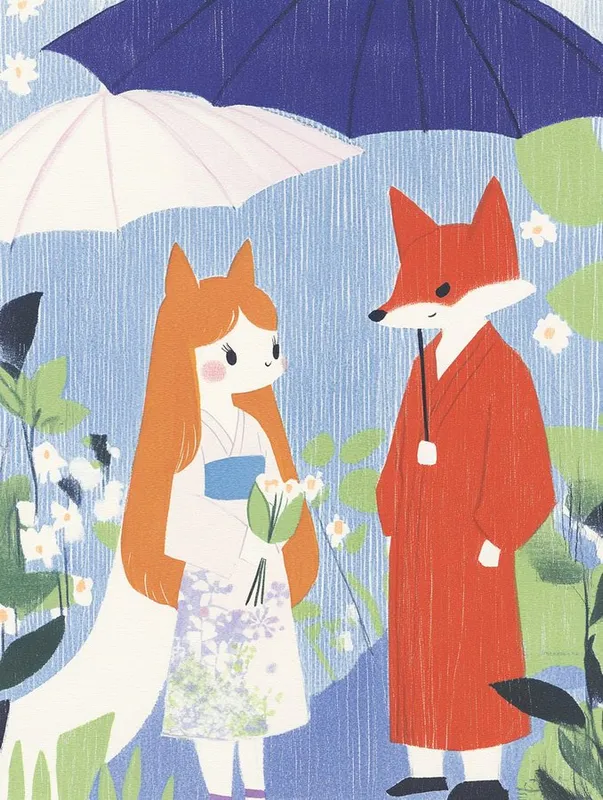
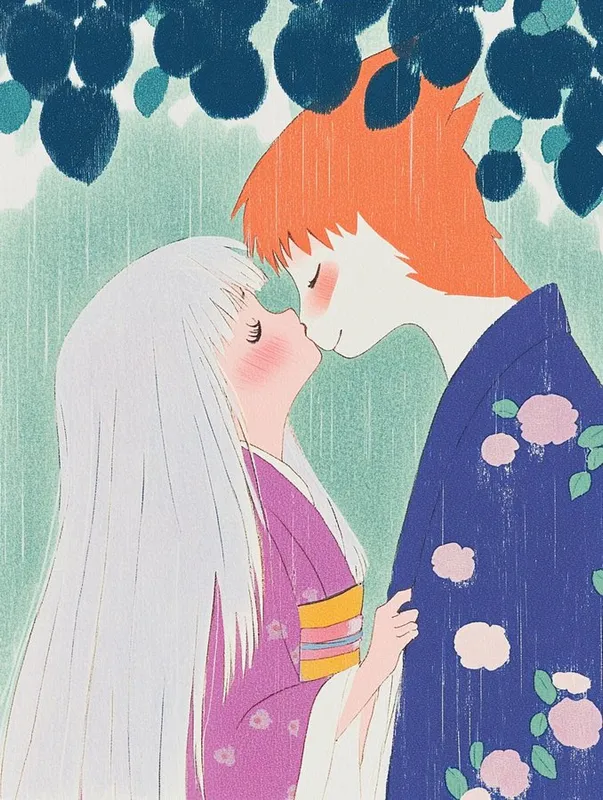
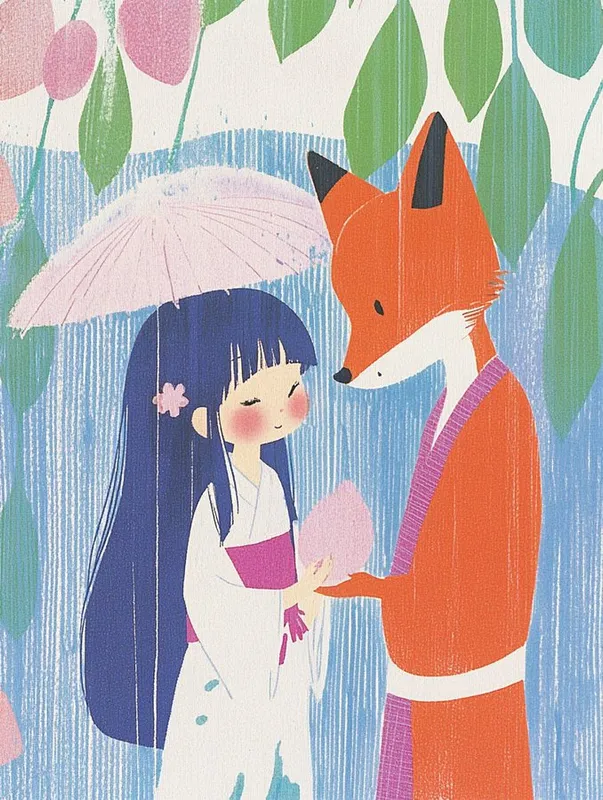
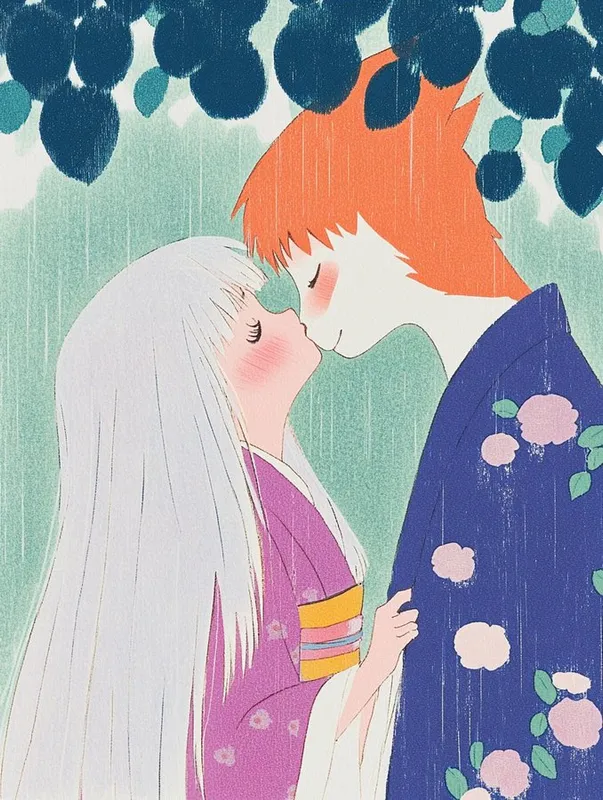
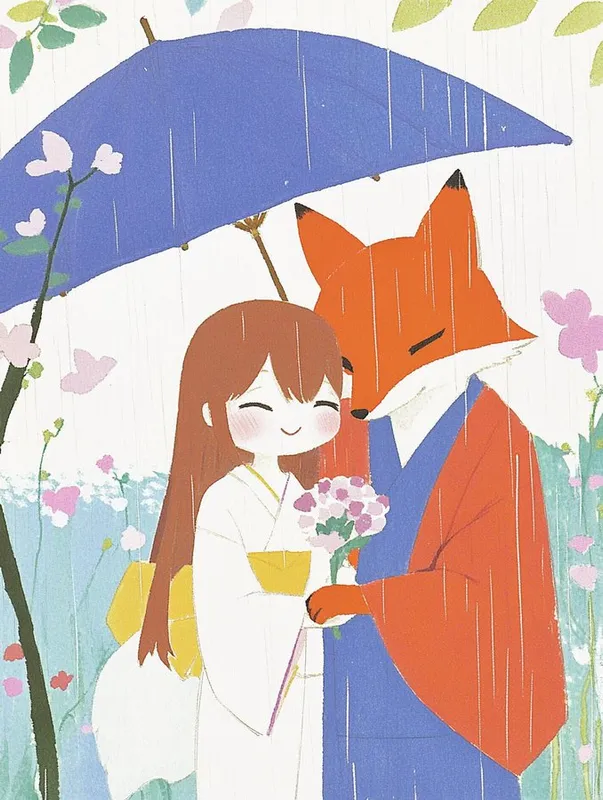
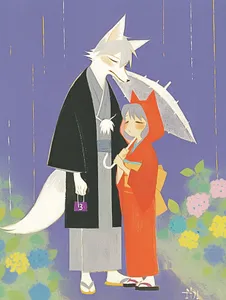
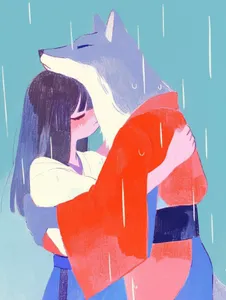
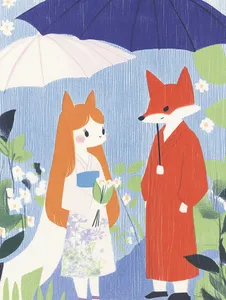
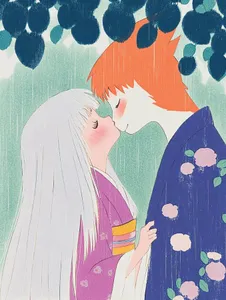
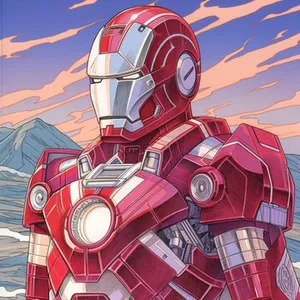
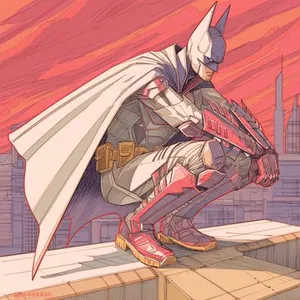
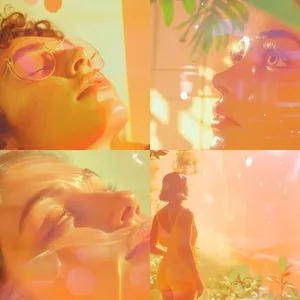
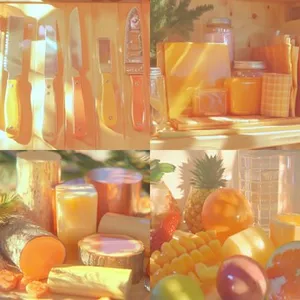
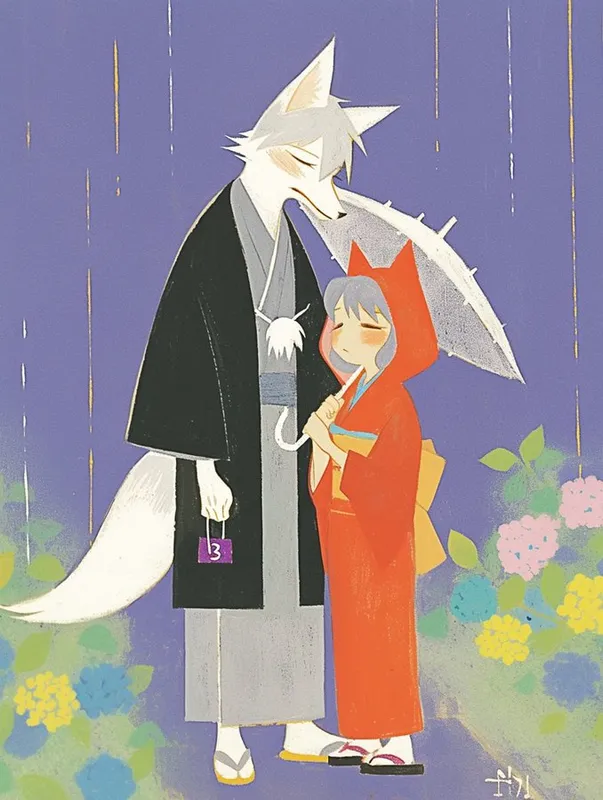
把昨天的太阳雨主题,加上浮士绘风格 --sref 18 ,加一个卡通化风格 --sref 4161087456 ,再加上今天日期对应的数字刚好是块面化风格 --sref 20240830 ,这一套插画就有点意思了。 #sref --sref 18 --sref 4161087456 --sref 20240830
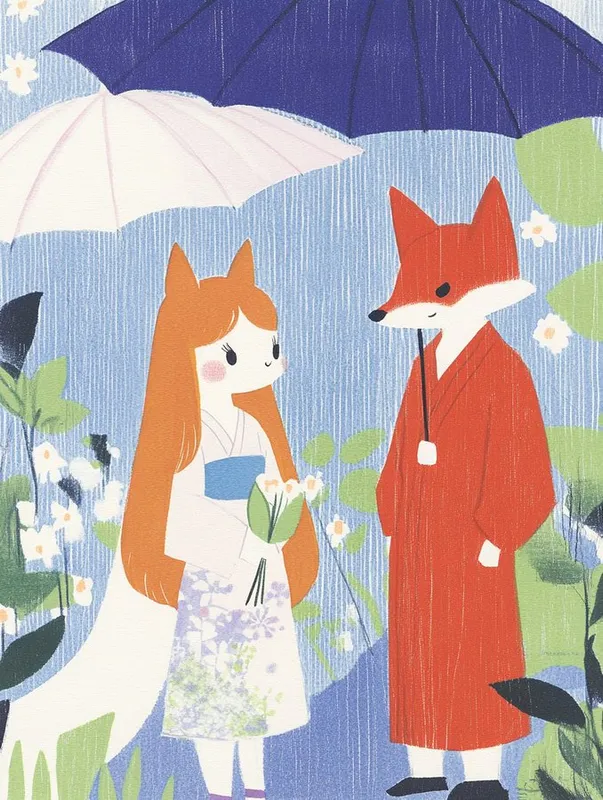
把昨天的太阳雨主题,加上浮士绘风格 --sref 18,加一个卡通化风格 --sref 4161087456,再加上今天日期对应的数字刚好是块面化风格 --sref 20240830,这一套插画就有点意思了。
#sref --sref 18 4161087456 20240830
把昨天的太阳雨主题,加上浮士绘风格 --sref 18,加一个卡通化风格 --sref 4161087456,再加上今天日期对应的数字刚好是块面化风格 --sref 20240830,这一套插画就有点意思了。
#sref --sref 18 4161087456 20240830
把昨天的太阳雨主题,加上浮士绘风格 --sref 18,加一个卡通化风格 --sref 4161087456,再加上今天日期对应的数字刚好是块面化风格 --sref 20240830,这一套插画就有点意思了。
#sref --sref 18 4161087456 20240830
把昨天的太阳雨主题,加上浮士绘风格 --sref 18,加一个卡通化风格 --sref 4161087456,再加上今天日期对应的数字刚好是块面化风格 --sref 20240830,这一套插画就有点意思了。
#sref --sref 18 4161087456 20240830
把昨天的太阳雨主题,加上浮士绘风格 --sref 18,加一个卡通化风格 --sref 4161087456,再加上今天日期对应的数字刚好是块面化风格 --sref 20240830,这一套插画就有点意思了。
#sref --sref 18 4161087456 20240830
把昨天的太阳雨主题,加上浮士绘风格 --sref 18,加一个卡通化风格 --sref 4161087456,再加上今天日期对应的数字刚好是块面化风格 --sref 20240830,这一套插画就有点意思了。
#sref --sref 18 4161087456 20240830
把昨天的太阳雨主题,加上浮士绘风格 --sref 18,加一个卡通化风格 --sref 4161087456,再加上今天日期对应的数字刚好是块面化风格 --sref 20240830,这一套插画就有点意思了。
#sref --sref 18 4161087456 20240830
把昨天的太阳雨主题,加上浮士绘风格 --sref 18,加一个卡通化风格 --sref 4161087456,再加上今天日期对应的数字刚好是块面化风格 --sref 20240830,这一套插画就有点意思了。
#sref --sref 18 4161087456 20240830
--sv 4
コピー
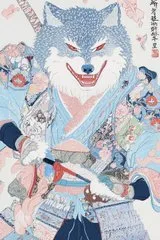
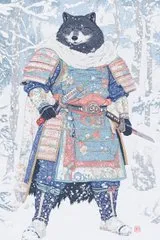
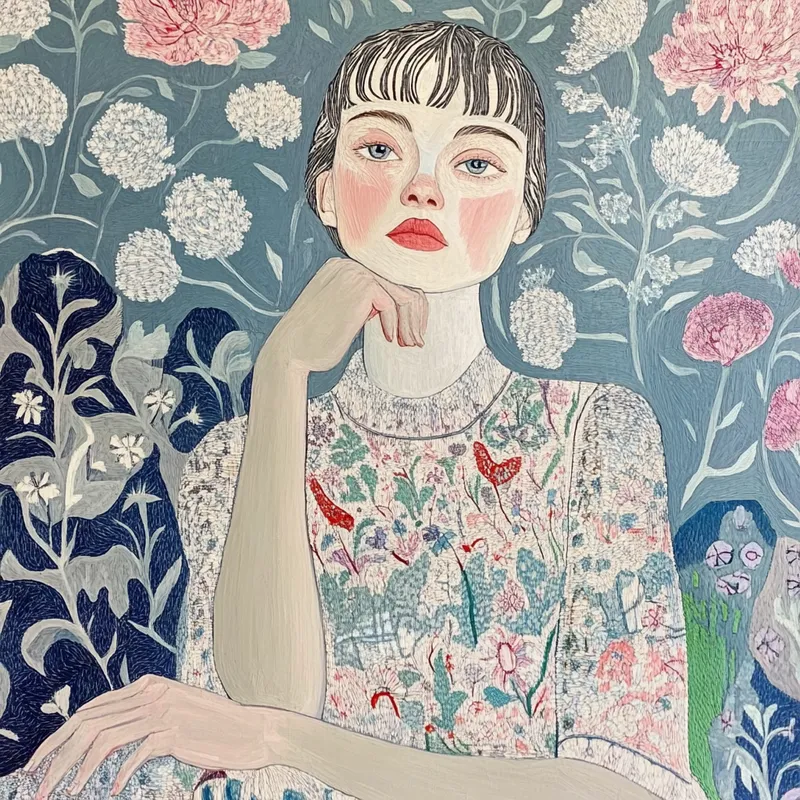
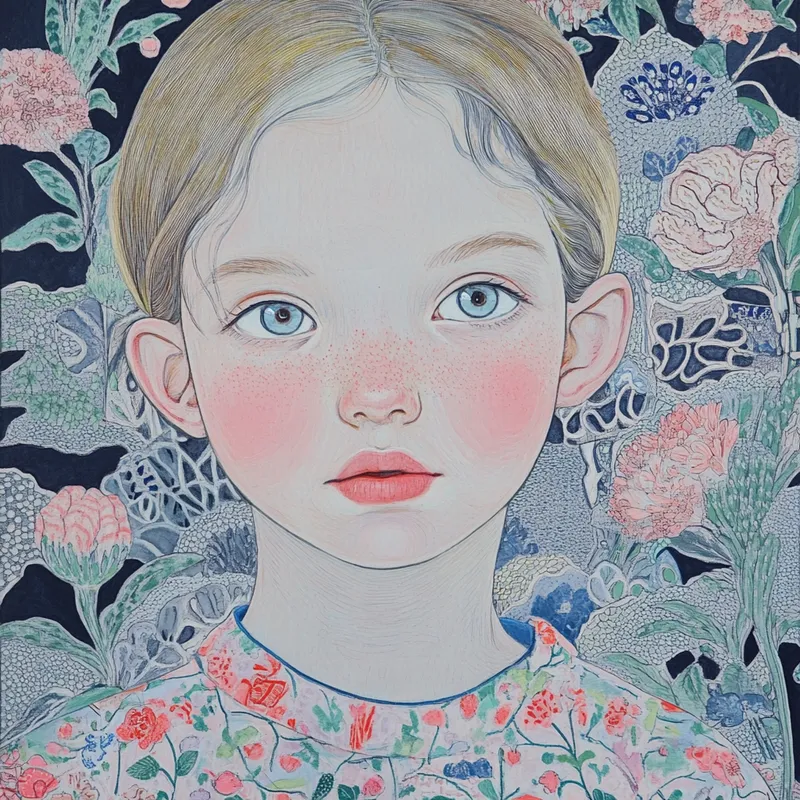
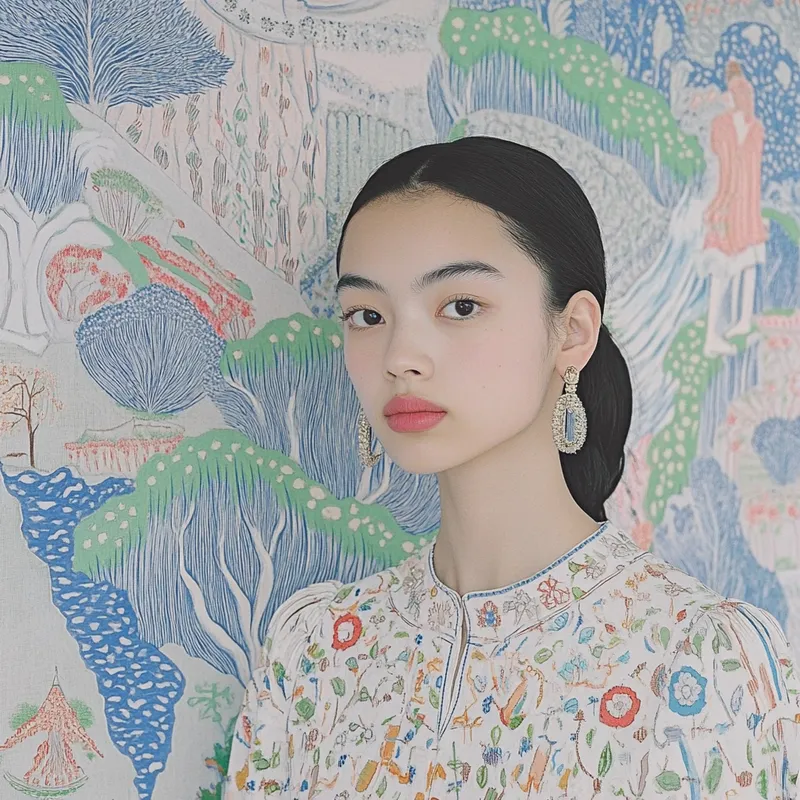
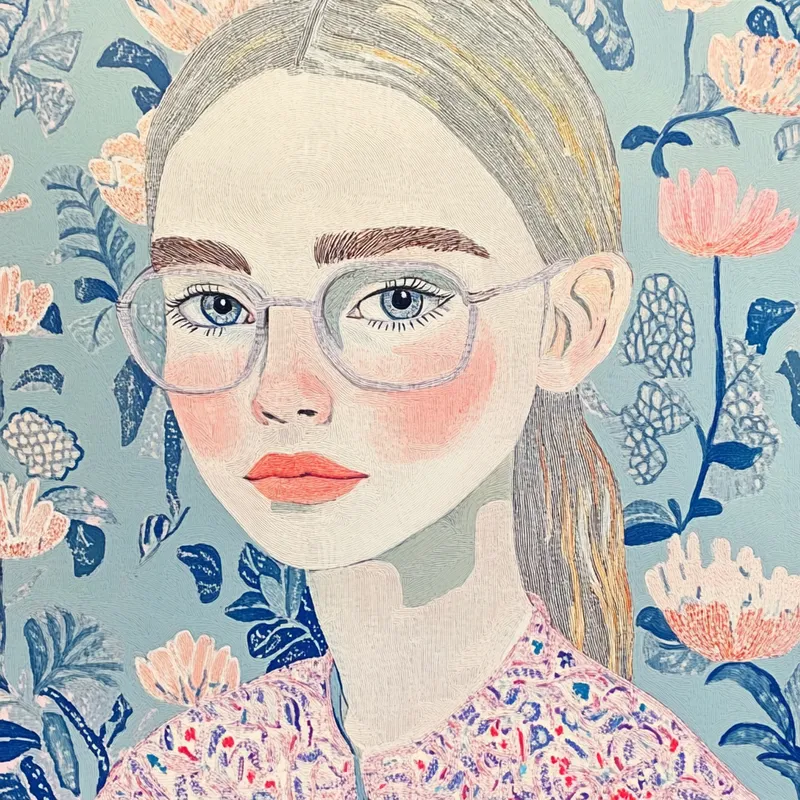
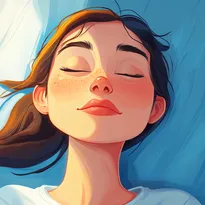
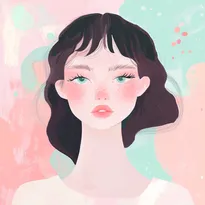
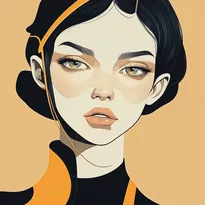
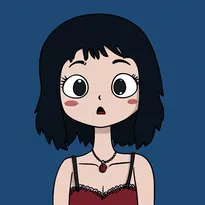
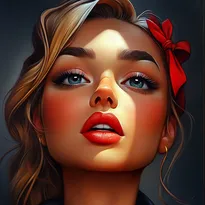
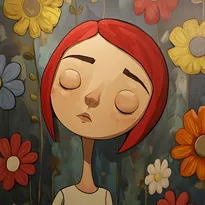
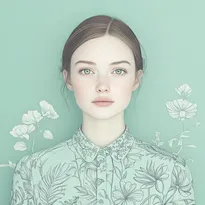
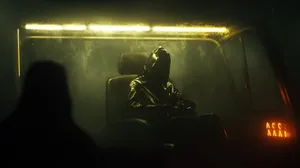
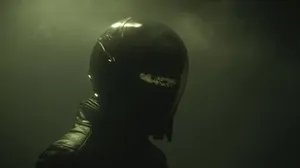
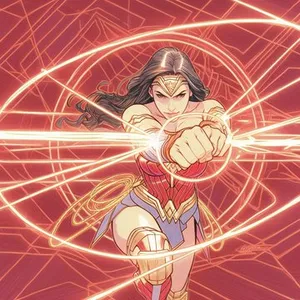
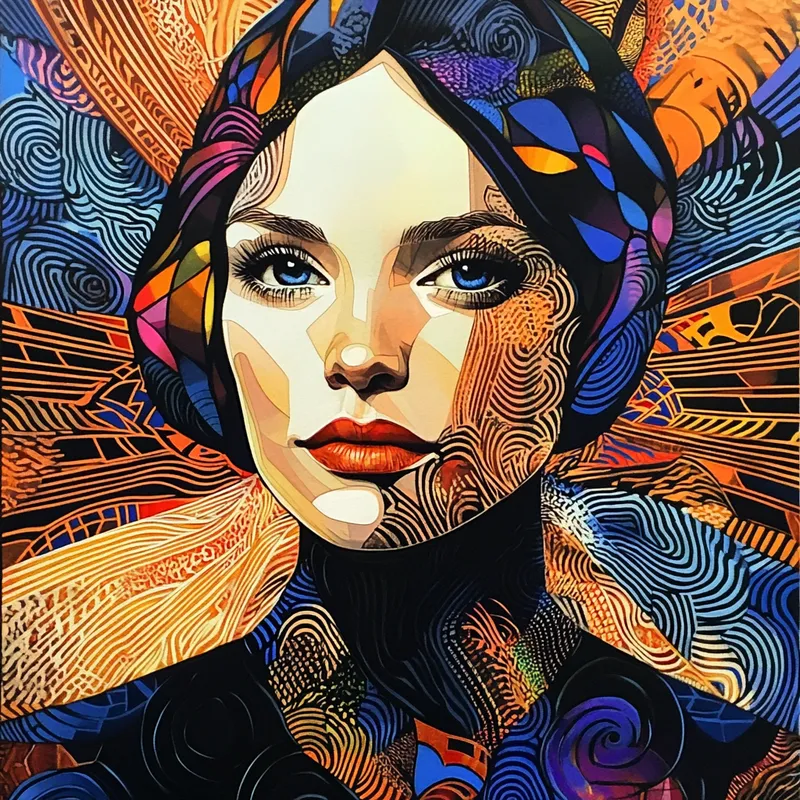
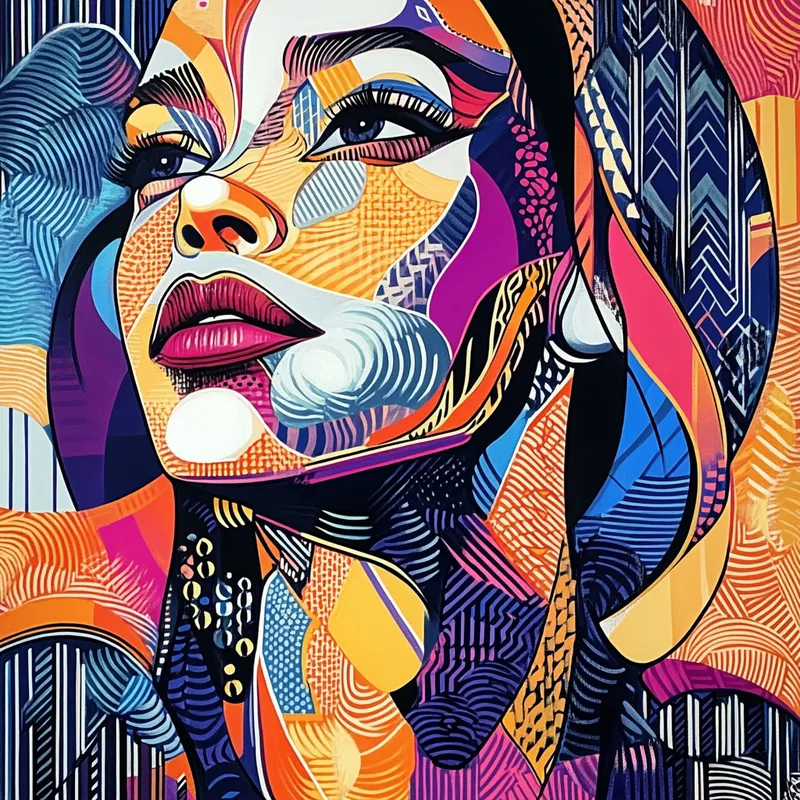
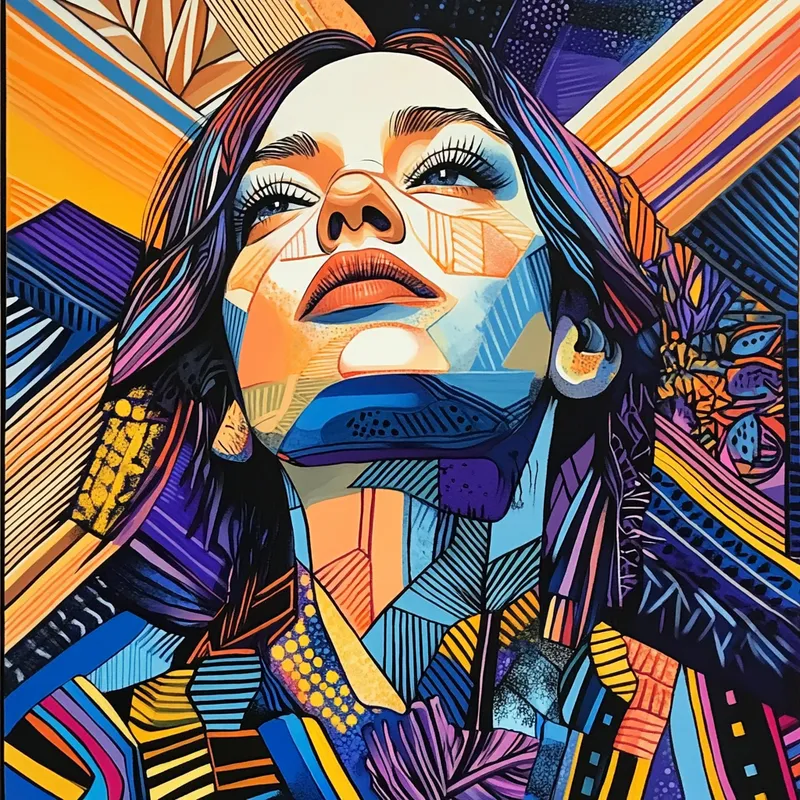
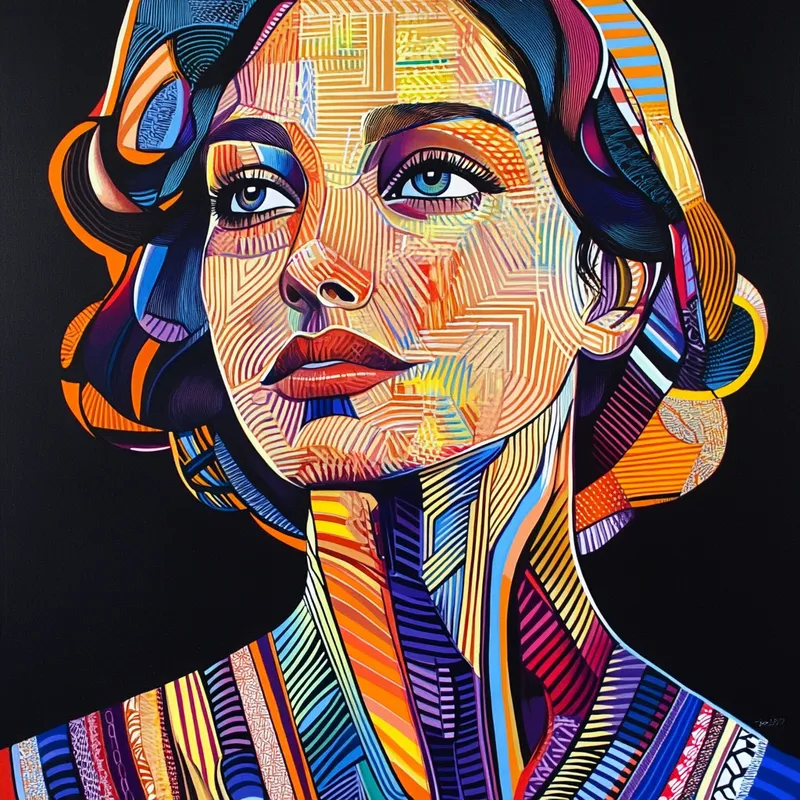
portrait --sref 18
by
roms5189
portrait  --sref 18
portrait  --sref 18
portrait  --sref 18
portrait  --sref 18
--sv 4
コピー
--q 2 the new Midjourney mode that (sometimes) adds more texture (at the cost of reduced images coherence) in my testing works well with images that already (before using --q 2) look "texturey" (haha, not a word) Like here: --sref 18 Left: without --q 2 Right: with --q 2
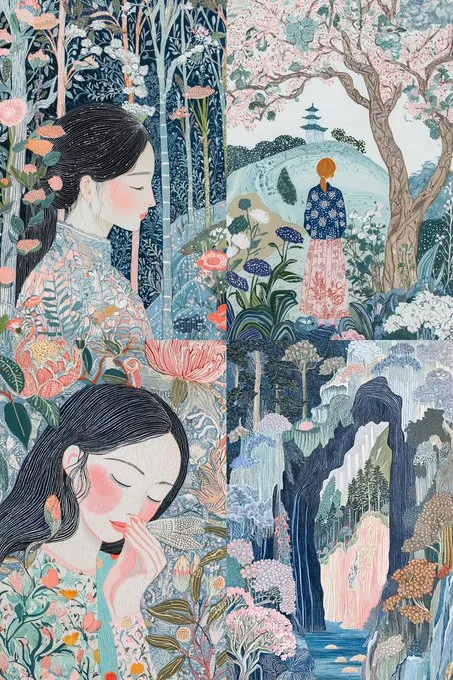
--q 2

the new Midjourney mode that (sometimes) adds more texture (at the cost of reduced images coherence)

in my testing works well with images that already (before using --q 2) look "texturey" (haha, not a word)

Like here:

--sref 18

Left: without --q 2
Right: with --q 2
--q 2

the new Midjourney mode that (sometimes) adds more texture (at the cost of reduced images coherence)

in my testing works well with images that already (before using --q 2) look "texturey" (haha, not a word)

Like here:

--sref 18

Left: without --q 2
Right: with --q 2
minix_08832

😻
Melies

すべてのsrefスタイル、Midjourney不要

このライブラリのすべてのsrefコードがMeliesのスタイルとして利用可能です。ワンクリックで画像にスタイルを適用。

作成を開始
Melies style picker with dozens of AI art styles
AI generated low-poly portrait
logo of midjourney sref codes library

1020個のプレミアムSREFコードをアンロック

ユニークな参照スタイルで手動キュレーションされたこのページのすべての--srefコードを表示
Premium sref 1
Premium sref 2
Premium sref 3
Premium sref 4
Premium sref 5
Premium sref 6
Premium sref 7
Premium sref 8

関連srefコード

Midjourney画像 1 --sref 20240830 by 老毒物で生成
Midjourney画像 2 --sref 20240830 by 老毒物で生成
Midjourney画像 3 --sref 20240830 by 老毒物で生成
Midjourney画像 4 --sref 20240830 by 老毒物で生成

20240830
srefコードをコピー

Midjourney画像 1 --sref 4161087456 by 老毒物で生成
Midjourney画像 2 --sref 4161087456 by 老毒物で生成
Midjourney画像 3 --sref 4161087456 by 老毒物で生成
Midjourney画像 4 --sref 4161087456 by 老毒物で生成

4161087456
srefコードをコピー

Midjourney画像 1 --sref 449454483 by Michael Raboneで生成
Midjourney画像 2 --sref 449454483 by Michael Raboneで生成
Midjourney画像 3 --sref 449454483 by Michael Raboneで生成
Midjourney画像 4 --sref 449454483 by Michael Raboneで生成

449454483
srefコードをコピー

Midjourney画像 1 --sref 3368561470 by chiyoneeiで生成
Midjourney画像 2 --sref 3368561470 by chiyoneeiで生成
Midjourney画像 3 --sref 3368561470 by chiyoneeiで生成
Midjourney画像 4 --sref 3368561470 by chiyoneeiで生成

3368561470
srefコードをコピー

Midjourney画像 1 --sref 1695038420 by OscarAIで生成
Midjourney画像 2 --sref 1695038420 by OscarAIで生成
Midjourney画像 3 --sref 1695038420 by OscarAIで生成
Midjourney画像 4 --sref 1695038420 by OscarAIで生成

1695038420
srefコードをコピー

Midjourney画像 1 --sref 2582564782 by PINEWOLF EXTRAで生成
Midjourney画像 2 --sref 2582564782 by PINEWOLF EXTRAで生成
Midjourney画像 3 --sref 2582564782 by PINEWOLF EXTRAで生成
Midjourney画像 4 --sref 2582564782 by PINEWOLF EXTRAで生成

2582564782
srefコードをコピー

Midjourneyで--sref 3135465155 by Carolyn Iottを使用して生成された画像

3135465155
srefコードをコピー

Midjourney画像 1 --sref 2238685657 by Lukáš Eršilで生成
Midjourney画像 2 --sref 2238685657 by Lukáš Eršilで生成
Midjourney画像 3 --sref 2238685657 by Drahomír Smrčkaで生成

2238685657
srefコードをコピー